
NueForm forms can be embedded directly into any website. This guide covers all embedding methods, from simple iframes to custom domain integrations.
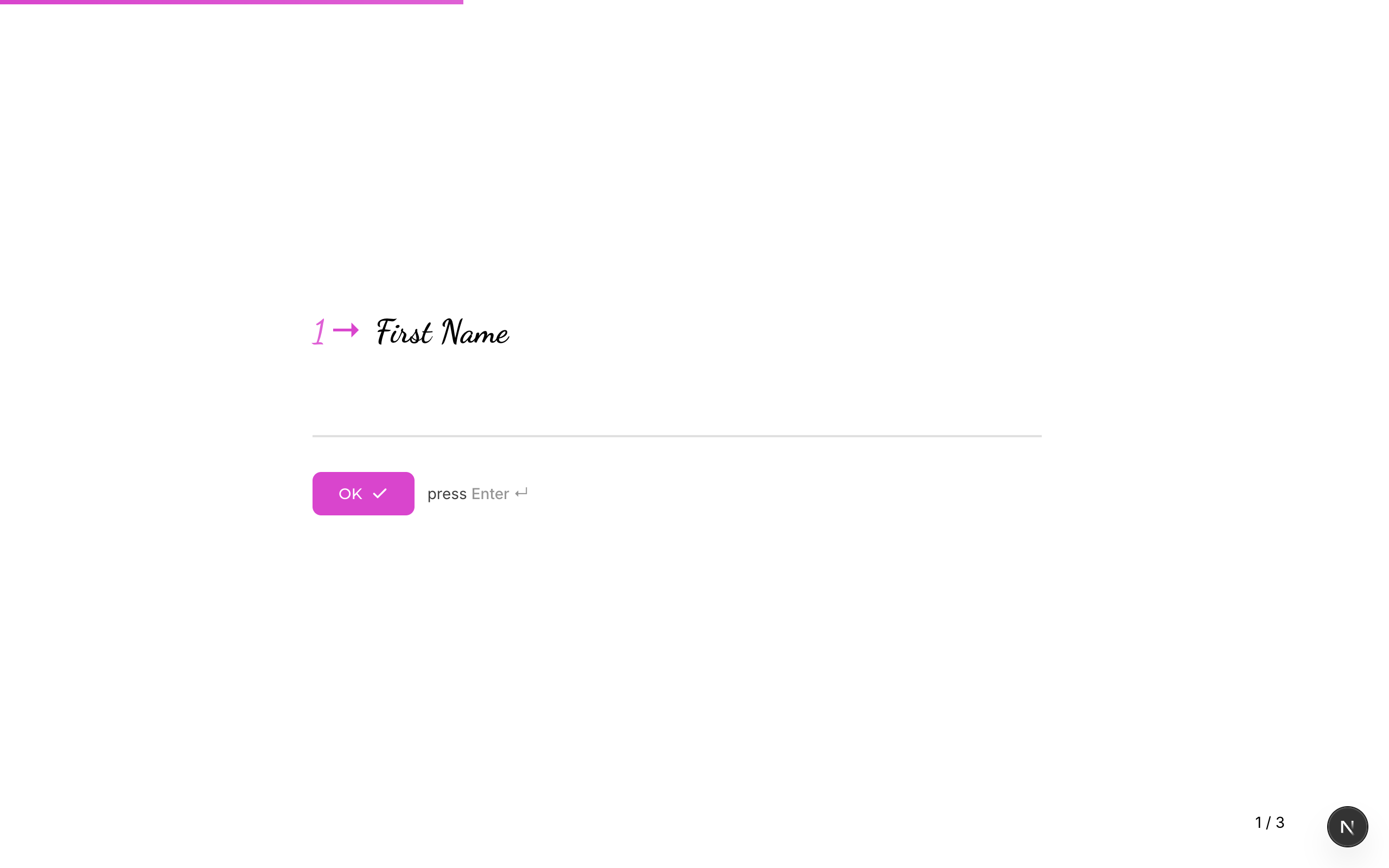
Quick Start: iframe Embed
The simplest way to embed a form is with an HTML <iframe>:
<iframe
  src="https://app.nueform.io/f/your-form-slug"
  width="100%"
  height="600"
  frameborder="0"
  allow="camera; microphone"
  style="border: none;"
></iframe>
Replace your-form-slug with your form's slug, which you can find in the form settings or the form's public URL.
Embedding Methods
Full-Page iframe
For a form that takes over the entire page or a large section of it:
<iframe
  src="https://app.nueform.io/f/your-form-slug"
  width="100%"
  height="100vh"
  frameborder="0"
  allow="camera; microphone"
  style="border: none; min-height: 100vh;"
></iframe>
This gives the form the full viewport height, which works well for multi-step forms with smooth transitions.
Inline iframe
For embedding a form within a content area (e.g., inside a blog post or a section of a landing page):
<div style="max-width: 720px; margin: 0 auto;">
  <iframe
    src="https://app.nueform.io/f/your-form-slug"
    width="100%"
    height="500"
    frameborder="0"
    allow="camera; microphone"
    style="border: none; border-radius: 8px; box-shadow: 0 2px 8px rgba(0,0,0,0.1);"
  ></iframe>
</div>
Script Tag Embed
For a more integrated experience, use a script tag that automatically creates and sizes the iframe:
<div id="nueform-container" data-form="your-form-slug"></div>
<script>
  (function() {
    var container = document.getElementById('nueform-container');
    var slug = container.getAttribute('data-form');
    var iframe = document.createElement('iframe');
    iframe.src = 'https://app.nueform.io/f/' + slug;
    iframe.width = '100%';
    iframe.height = '600';
    iframe.frameBorder = '0';
    iframe.allow = 'camera; microphone';
    iframe.style.border = 'none';
    container.appendChild(iframe);
  })();
</script>
This approach keeps your HTML clean and makes it easy to swap forms by changing the data-form attribute.
Custom Domain Embedding
If you have a Pro or Enterprise plan with a custom domain or subdomain configured, embed forms using your custom URL:
<!-- Using a custom subdomain -->
<iframe
  src="https://acme.nueform.io/f/your-form-slug"
  width="100%"
  height="600"
  frameborder="0"
  style="border: none;"
></iframe>

<!-- Using a fully custom domain -->
<iframe
  src="https://forms.acme.com/f/your-form-slug"
  width="100%"
  height="600"
  frameborder="0"
  style="border: none;"
></iframe>
Custom domains remove NueForm branding from the URL, giving respondents a fully white-labeled experience.
See Custom Domains for setup instructions.
Responsive Embed Sizing
Fixed Height with Scrolling
The simplest approach. The form scrolls internally if the content is taller than the iframe:
<iframe
  src="https://app.nueform.io/f/your-form-slug"
  width="100%"
  height="600"
  frameborder="0"
  style="border: none;"
></iframe>
Viewport-Based Height
Makes the iframe fill the browser viewport:
<iframe
  src="https://app.nueform.io/f/your-form-slug"
  width="100%"
  frameborder="0"
  style="border: none; height: 100vh;"
></iframe>
Aspect Ratio Container
Maintains a consistent aspect ratio across screen sizes:
<div style="position: relative; width: 100%; padding-bottom: 75%; /* 4:3 ratio */">
  <iframe
    src="https://app.nueform.io/f/your-form-slug"
    frameborder="0"
    allow="camera; microphone"
    style="position: absolute; top: 0; left: 0; width: 100%; height: 100%; border: none;"
  ></iframe>
</div>
Mobile-Responsive Embed
Use CSS media queries to adjust the iframe height based on screen size:
<style>
  .nueform-embed {
    width: 100%;
    border: none;
    height: 700px;
  }

  @media (max-width: 768px) {
    .nueform-embed {
      height: 500px;
    }
  }

  @media (max-width: 480px) {
    .nueform-embed {
      height: 100vh;
      min-height: 400px;
    }
  }
</style>

<iframe
  class="nueform-embed"
  src="https://app.nueform.io/f/your-form-slug"
  frameborder="0"
  allow="camera; microphone"
></iframe>
Passing URL Parameters
You can pre-fill hidden fields or pass tracking data to embedded forms via URL parameters. Any URL parameters on the iframe src are available to the form as hidden field values.
Hidden Fields
If your form has variables configured (e.g., utm_source, user_id), pass them as query parameters:
<iframe
  src="https://app.nueform.io/f/your-form-slug?utm_source=website&utm_campaign=spring_sale&user_id=12345"
  width="100%"
  height="600"
  frameborder="0"
  style="border: none;"
></iframe>
These values are captured in the response's metadata.hiddenFields object and are accessible via the API and in CSV exports.
Dynamic Parameters
Use JavaScript to inject dynamic values:
<script>
  var formUrl = 'https://app.nueform.io/f/your-form-slug';
  var params = new URLSearchParams({
    user_id: getUserId(),           // Your function
    email: getUserEmail(),          // Your function
    utm_source: getUTMSource(),     // Your function
    timestamp: Date.now().toString()
  });

  var iframe = document.createElement('iframe');
  iframe.src = formUrl + '?' + params.toString();
  iframe.width = '100%';
  iframe.height = '600';
  iframe.frameBorder = '0';
  iframe.style.border = 'none';

  document.getElementById('form-container').appendChild(iframe);
</script>
Framework-Specific Examples
React
function NueFormEmbed({ slug, params = {} }) {
  const queryString = new URLSearchParams(params).toString();
  const src = `https://app.nueform.io/f/${slug}${queryString ? '?' + queryString : ''}`;

  return (
    <iframe
      src={src}
      width="100%"
      height="600"
      frameBorder="0"
      allow="camera; microphone"
      style={{ border: 'none' }}
      title="NueForm"
    />
  );
}

// Usage
<NueFormEmbed
  slug="customer-feedback"
  params={{ user_id: '12345', utm_source: 'app' }}
/>
Vue
<template>
  <iframe
    :src="formSrc"
    width="100%"
    height="600"
    frameborder="0"
    allow="camera; microphone"
    style="border: none;"
  />
</template>

<script setup>
import { computed } from 'vue';

const props = defineProps({
  slug: String,
  params: { type: Object, default: () => ({}) }
});

const formSrc = computed(() => {
  const query = new URLSearchParams(props.params).toString();
  return `https://app.nueform.io/f/${props.slug}${query ? '?' + query : ''}`;
});
</script>
Next.js
export default function FormPage() {
  return (
    <div className="max-w-3xl mx-auto py-8">
      <h1>Contact Us</h1>
      <iframe
        src="https://app.nueform.io/f/contact-form"
        width="100%"
        height="600"
        frameBorder="0"
        allow="camera; microphone"
        style={{ border: 'none' }}
        title="Contact Form"
      />
    </div>
  );
}
Permissions and Features
Some NueForm question types require specific browser permissions when embedded. Use the allow attribute on the iframe to grant them:
| Feature | allow Value | Question Types |
|---|---|---|
| Camera | camera | Recording (video mode) |
| Microphone | microphone | Recording (audio/video mode) |
<iframe
  src="https://app.nueform.io/f/your-form-slug"
  allow="camera; microphone"
  ...
></iframe>
If your form does not use recording questions, these permissions are not needed.
Dépannage
| Issue | Solution |
|---|---|
| Form does not load in iframe | Check that the form is published. Unpublished forms return a 404. |
| Form appears too small or cropped | Increase the iframe height or use height: 100vh. |
| URL parameters are not captured | Verify the form has variables configured with names matching the parameter keys. |
| Browser blocks the iframe | Some browsers block third-party cookies. This typically does not affect form rendering but may impact analytics tracking. |
| Camera/microphone not working | Add allow="camera; microphone" to the iframe tag. |
Voir aussi
- Custom Domains --- Set up custom domain embedding
- Themes & Styling --- Customize how your embedded form looks
- Export to React --- For a native integration without iframes