
NueForm 表单可以直接嵌入到任何网站中。本指南涵盖所有嵌入方法,从简单的 iframe 到自定义域名集成。
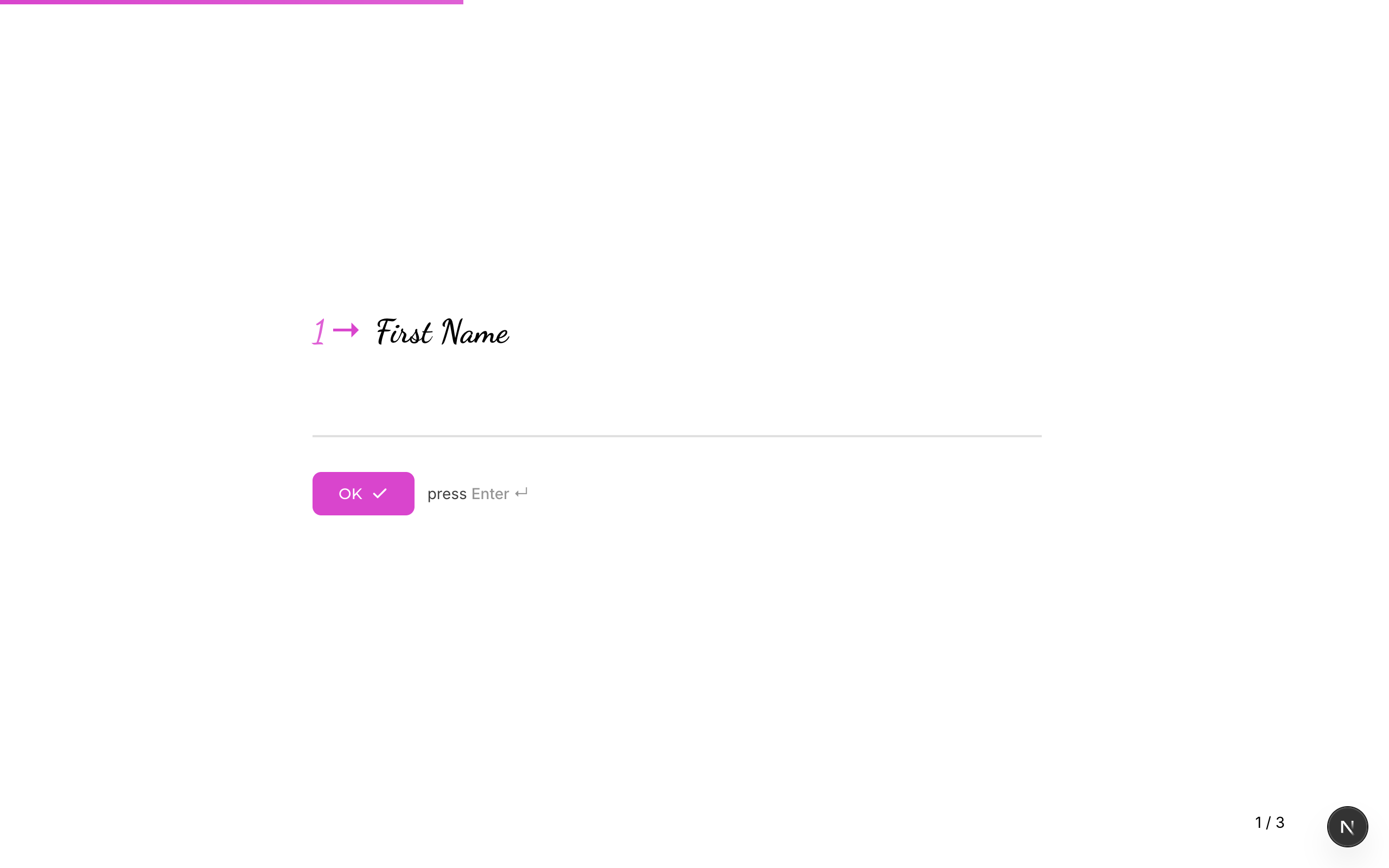
快速开始:iframe 嵌入
嵌入表单最简单的方法是使用 HTML <iframe>:
<iframe
  src="https://app.nueform.io/f/your-form-slug"
  width="100%"
  height="600"
  frameborder="0"
  allow="camera; microphone"
  style="border: none;"
></iframe>
将 your-form-slug 替换为您表单的 slug,可以在表单设置或表单的公开 URL 中找到。
嵌入方法
全页 iframe
让表单占据整个页面或页面的大部分区域:
<iframe
  src="https://app.nueform.io/f/your-form-slug"
  width="100%"
  height="100vh"
  frameborder="0"
  allow="camera; microphone"
  style="border: none; min-height: 100vh;"
></iframe>
这将使表单占满整个视口高度,适合具有平滑过渡效果的多步骤表单。
内联 iframe
将表单嵌入到内容区域中(例如博客文章或着陆页的某个部分):
<div style="max-width: 720px; margin: 0 auto;">
  <iframe
    src="https://app.nueform.io/f/your-form-slug"
    width="100%"
    height="500"
    frameborder="0"
    allow="camera; microphone"
    style="border: none; border-radius: 8px; box-shadow: 0 2px 8px rgba(0,0,0,0.1);"
  ></iframe>
</div>
脚本标签嵌入
如需更深度的集成体验,可使用脚本标签自动创建和调整 iframe 尺寸:
<div id="nueform-container" data-form="your-form-slug"></div>
<script>
  (function() {
    var container = document.getElementById('nueform-container');
    var slug = container.getAttribute('data-form');
    var iframe = document.createElement('iframe');
    iframe.src = 'https://app.nueform.io/f/' + slug;
    iframe.width = '100%';
    iframe.height = '600';
    iframe.frameBorder = '0';
    iframe.allow = 'camera; microphone';
    iframe.style.border = 'none';
    container.appendChild(iframe);
  })();
</script>
这种方法使您的 HTML 保持简洁,并且可以通过修改 data-form 属性轻松切换表单。
自定义域名嵌入
如果您拥有 Pro 或 Enterprise 套餐并已配置自定义域名或子域名,可以使用自定义 URL 嵌入表单:
<!-- 使用自定义子域名 -->
<iframe
  src="https://acme.nueform.io/f/your-form-slug"
  width="100%"
  height="600"
  frameborder="0"
  style="border: none;"
></iframe>

<!-- 使用完全自定义域名 -->
<iframe
  src="https://forms.acme.com/f/your-form-slug"
  width="100%"
  height="600"
  frameborder="0"
  style="border: none;"
></iframe>
自定义域名可从 URL 中移除 NueForm 品牌标识,为填写者提供完全白标化的体验。
参阅自定义域名了解设置说明。
响应式嵌入尺寸
固定高度与滚动
最简单的方法。如果内容高度超过 iframe,表单会在内部滚动:
<iframe
  src="https://app.nueform.io/f/your-form-slug"
  width="100%"
  height="600"
  frameborder="0"
  style="border: none;"
></iframe>
基于视口的高度
使 iframe 填满浏览器视口:
<iframe
  src="https://app.nueform.io/f/your-form-slug"
  width="100%"
  frameborder="0"
  style="border: none; height: 100vh;"
></iframe>
宽高比容器
在不同屏幕尺寸下保持一致的宽高比:
<div style="position: relative; width: 100%; padding-bottom: 75%; /* 4:3 比例 */">
  <iframe
    src="https://app.nueform.io/f/your-form-slug"
    frameborder="0"
    allow="camera; microphone"
    style="position: absolute; top: 0; left: 0; width: 100%; height: 100%; border: none;"
  ></iframe>
</div>
移动端响应式嵌入
使用 CSS 媒体查询根据屏幕尺寸调整 iframe 高度:
<style>
  .nueform-embed {
    width: 100%;
    border: none;
    height: 700px;
  }

  @media (max-width: 768px) {
    .nueform-embed {
      height: 500px;
    }
  }

  @media (max-width: 480px) {
    .nueform-embed {
      height: 100vh;
      min-height: 400px;
    }
  }
</style>

<iframe
  class="nueform-embed"
  src="https://app.nueform.io/f/your-form-slug"
  frameborder="0"
  allow="camera; microphone"
></iframe>
传递 URL 参数
您可以通过 URL 参数向嵌入的表单预填隐藏字段或传递跟踪数据。iframe src 上的任何 URL 参数都可作为表单的隐藏字段值使用。
隐藏字段
如果您的表单配置了变量(例如 utm_source、user_id),将它们作为查询参数传递:
<iframe
  src="https://app.nueform.io/f/your-form-slug?utm_source=website&utm_campaign=spring_sale&user_id=12345"
  width="100%"
  height="600"
  frameborder="0"
  style="border: none;"
></iframe>
这些值会被捕获到响应的 metadata.hiddenFields 对象中,可通过 API 和 CSV 导出访问。
动态参数
使用 JavaScript 注入动态值:
<script>
  var formUrl = 'https://app.nueform.io/f/your-form-slug';
  var params = new URLSearchParams({
    user_id: getUserId(),           // 您的函数
    email: getUserEmail(),          // 您的函数
    utm_source: getUTMSource(),     // 您的函数
    timestamp: Date.now().toString()
  });

  var iframe = document.createElement('iframe');
  iframe.src = formUrl + '?' + params.toString();
  iframe.width = '100%';
  iframe.height = '600';
  iframe.frameBorder = '0';
  iframe.style.border = 'none';

  document.getElementById('form-container').appendChild(iframe);
</script>
框架特定示例
React
function NueFormEmbed({ slug, params = {} }) {
  const queryString = new URLSearchParams(params).toString();
  const src = `https://app.nueform.io/f/${slug}${queryString ? '?' + queryString : ''}`;

  return (
    <iframe
      src={src}
      width="100%"
      height="600"
      frameBorder="0"
      allow="camera; microphone"
      style={{ border: 'none' }}
      title="NueForm"
    />
  );
}

// 使用方法
<NueFormEmbed
  slug="customer-feedback"
  params={{ user_id: '12345', utm_source: 'app' }}
/>
Vue
<template>
  <iframe
    :src="formSrc"
    width="100%"
    height="600"
    frameborder="0"
    allow="camera; microphone"
    style="border: none;"
  />
</template>

<script setup>
import { computed } from 'vue';

const props = defineProps({
  slug: String,
  params: { type: Object, default: () => ({}) }
});

const formSrc = computed(() => {
  const query = new URLSearchParams(props.params).toString();
  return `https://app.nueform.io/f/${props.slug}${query ? '?' + query : ''}`;
});
</script>
Next.js
export default function FormPage() {
  return (
    <div className="max-w-3xl mx-auto py-8">
      <h1>联系我们</h1>
      <iframe
        src="https://app.nueform.io/f/contact-form"
        width="100%"
        height="600"
        frameBorder="0"
        allow="camera; microphone"
        style={{ border: 'none' }}
        title="联系表单"
      />
    </div>
  );
}
权限与功能
某些 NueForm 问题类型在嵌入时需要特定的浏览器权限。使用 iframe 的 allow 属性来授予权限:
| 功能 | allow 值 | 问题类型 |
|---|---|---|
| 摄像头 | camera | 录制(视频模式) |
| 麦克风 | microphone | 录制(音频/视频模式) |
<iframe
  src="https://app.nueform.io/f/your-form-slug"
  allow="camera; microphone"
  ...
></iframe>
如果您的表单不使用录制类问题,则不需要这些权限。
故障排除
| 问题 | 解决方案 |
|---|---|
| 表单无法在 iframe 中加载 | 检查表单是否已发布。未发布的表单会返回 404。 |
| 表单显示过小或被裁剪 | 增大 iframe 的 height 值或使用 height: 100vh。 |
| URL 参数未被捕获 | 确认表单已配置了与参数键名匹配的变量。 |
| 浏览器阻止了 iframe | 某些浏览器会阻止第三方 Cookie。这通常不影响表单渲染,但可能影响分析跟踪。 |
| 摄像头/麦克风不工作 | 在 iframe 标签中添加 allow="camera; microphone"。 |