
Short Text
A single-line text input for collecting brief responses such as names, titles, or short answers.
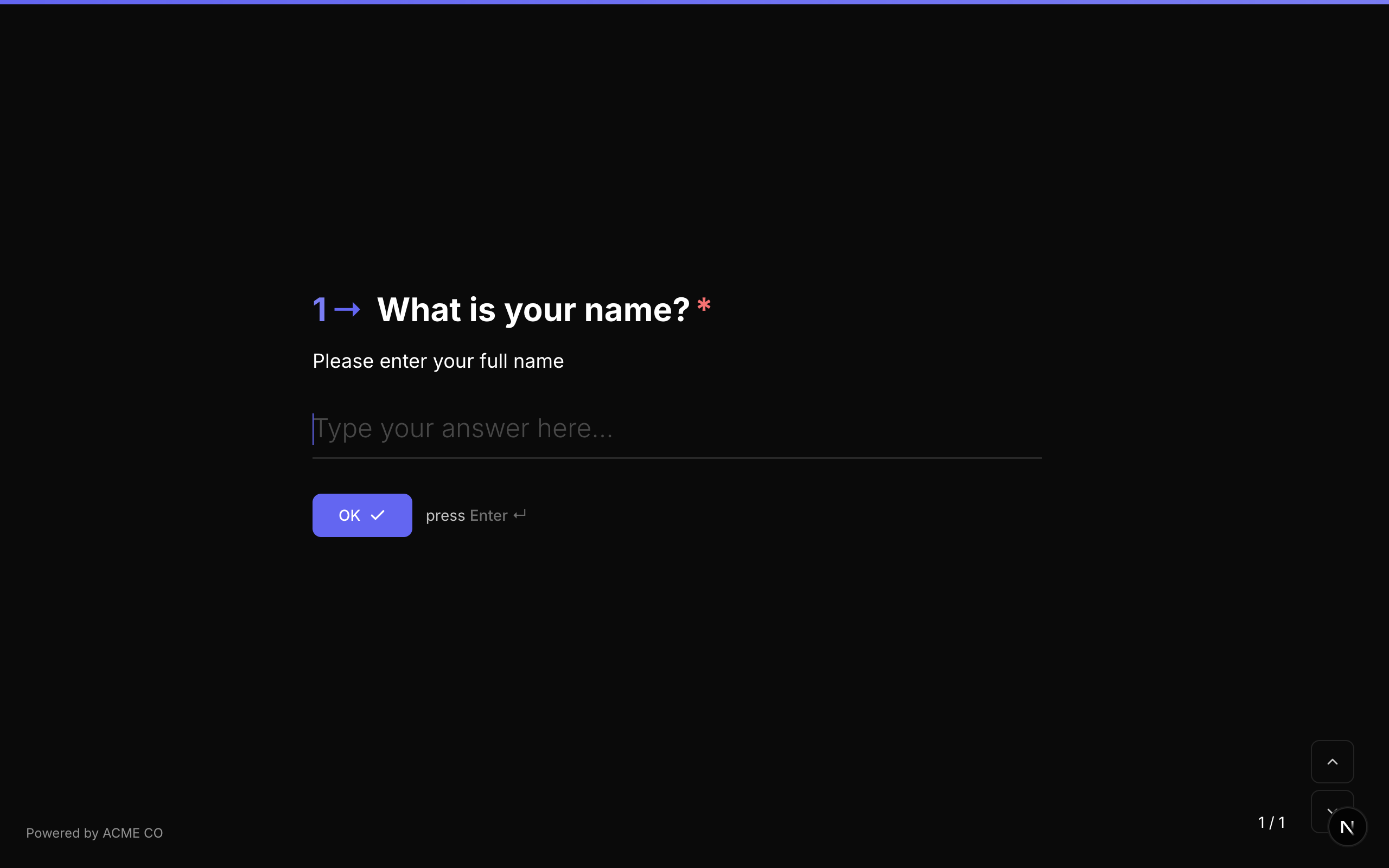
Type identifier: short_text
Properties
| Property | Type | Description | Default |
|---|---|---|---|
placeholder | string | Placeholder text shown in the input before the respondent types. | None |
maxLength | number | Maximum number of characters allowed. | None (unlimited) |
minLength | number | Minimum number of characters required. | None |
Validation
| Rule | Description |
|---|---|
minLength | The response must be at least this many characters. |
maxLength | The response must be no more than this many characters. |
pattern | A regex pattern the response must match. |
customMessage | Custom error message when validation fails. |
Logic Jump Operators
equals, not_equals, contains, not_contains, is_answered, is_not_answered
Answer Format
The answer is stored as a string.
Long Text
A multi-line text area for collecting longer responses such as feedback, descriptions, or paragraphs.

Type identifier: long_text
Properties
| Property | Type | Description | Default |
|---|---|---|---|
placeholder | string | Placeholder text shown in the textarea. | None |
maxLength | number | Maximum number of characters allowed. | None (unlimited) |
minLength | number | Minimum number of characters required. | None |
Validation
| Rule | Description |
|---|---|
minLength | The response must be at least this many characters. |
maxLength | The response must be no more than this many characters. |
pattern | A regex pattern the response must match. |
customMessage | Custom error message when validation fails. |
Logic Jump Operators
equals, not_equals, contains, not_contains, is_answered, is_not_answered
Answer Format
The answer is stored as a string.
Long text fields expand vertically as the respondent types. Unlike short text fields, they support multi-line input and the respondent can use Shift+Enter to create new lines.
An email address field with built-in format validation.
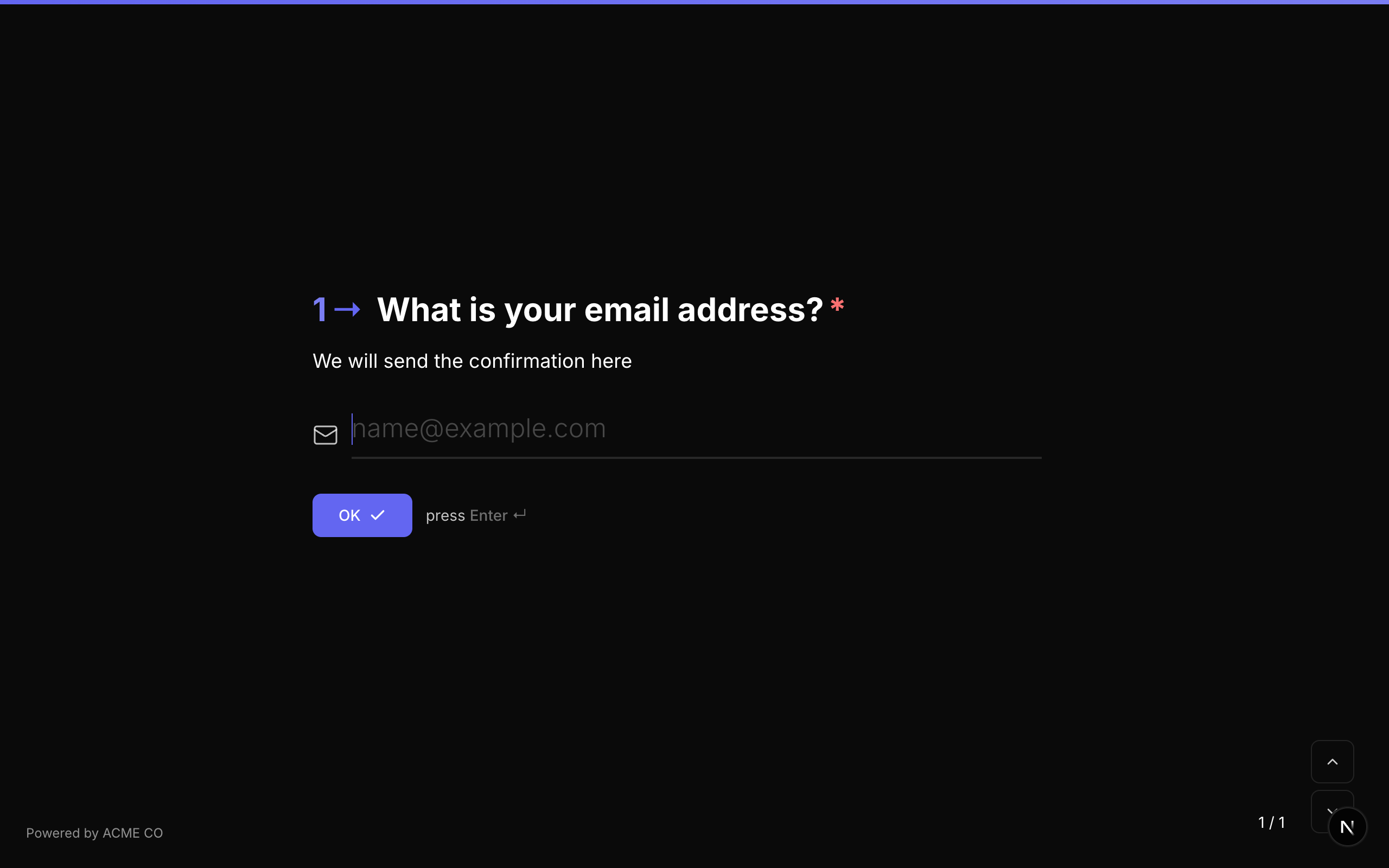
Type identifier: email
Properties
| Property | Type | Description | Default |
|---|---|---|---|
placeholder | string | Placeholder text shown in the input. | None |
Validation
The email field automatically validates that the input matches a standard email format (e.g., user@domain.com). Additional validation rules can be added:
| Rule | Description |
|---|---|
pattern | A custom regex pattern for additional validation. |
customMessage | Custom error message when validation fails. |
Logic Jump Operators
equals, not_equals, contains, not_contains, is_answered, is_not_answered
Answer Format
The answer is stored as a string (the email address).
Phone Number
A phone number field with international country code support.
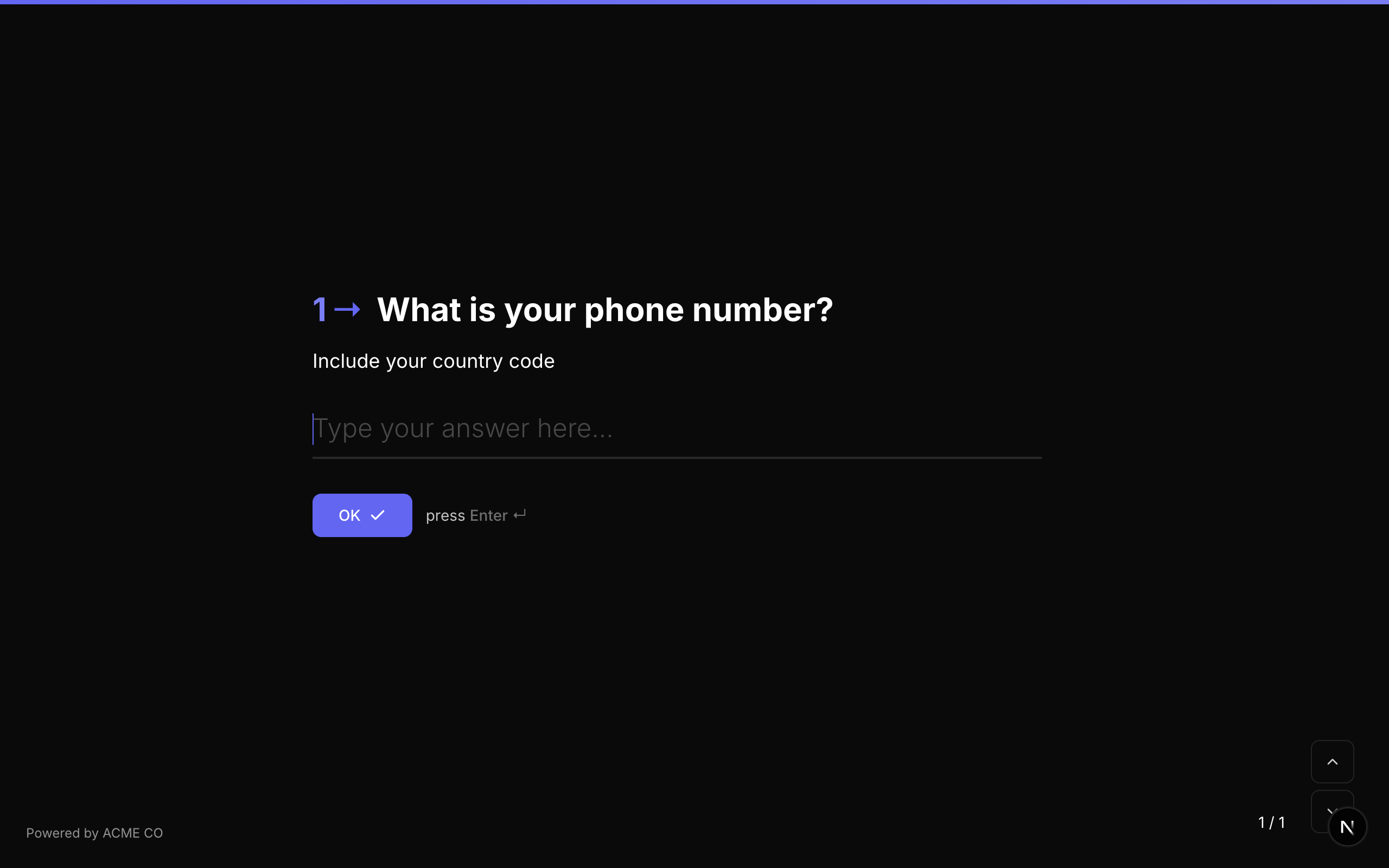
Type identifier: phone
Properties
| Property | Type | Description | Default |
|---|---|---|---|
placeholder | string | Placeholder text shown in the input. | None |
defaultCountryCode | string | The default country code to pre-select (e.g., "US", "GB", "DE"). | None |
Validation
Phone number validation is built-in. The field accepts international phone number formats.
Logic Jump Operators
equals, not_equals, contains, not_contains, is_answered, is_not_answered
Answer Format
The answer is stored as a string (the full phone number including country code).
The phone field includes a country code selector dropdown. When defaultCountryCode is set, the dropdown pre-selects that country and displays its dialing code.
Number
A numeric input field for collecting numbers with optional min/max range validation.

Type identifier: number
Properties
| Property | Type | Description | Default |
|---|---|---|---|
placeholder | string | Placeholder text shown in the input. | None |
min | number | Minimum allowed value. | None |
max | number | Maximum allowed value. | None |
Validation
| Rule | Description |
|---|---|
min | The number must be greater than or equal to this value. |
max | The number must be less than or equal to this value. |
customMessage | Custom error message when validation fails. |
Logic Jump Operators
equals, not_equals, greater_than, less_than, greater_than_or_equals, less_than_or_equals, is_answered, is_not_answered
Answer Format
The answer is stored as a number (or null if unanswered).
Quiz Mode
In quiz modes, the Number question type is not scorable -- it does not participate in automated scoring.
Website / URL
A URL field for collecting web addresses. NueForm treats the url and website types identically.
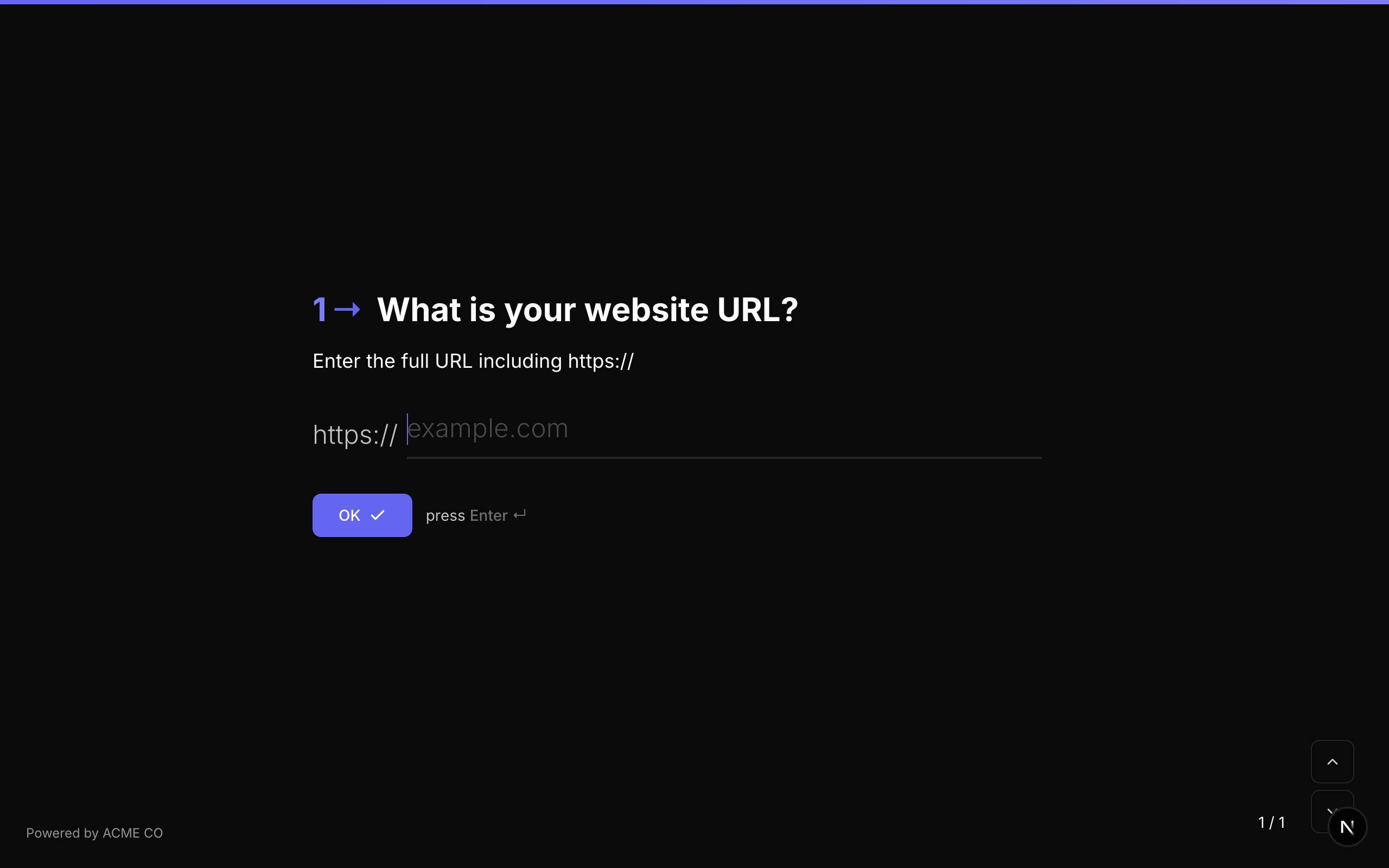
Type identifier: url or website
Properties
| Property | Type | Description | Default |
|---|---|---|---|
placeholder | string | Placeholder text shown in the input. | None |
Validation
The field validates that the input is a properly formatted URL.
Logic Jump Operators
equals, not_equals, contains, not_contains, is_answered, is_not_answered
Answer Format
The answer is stored as a string (the URL).
Contact Info
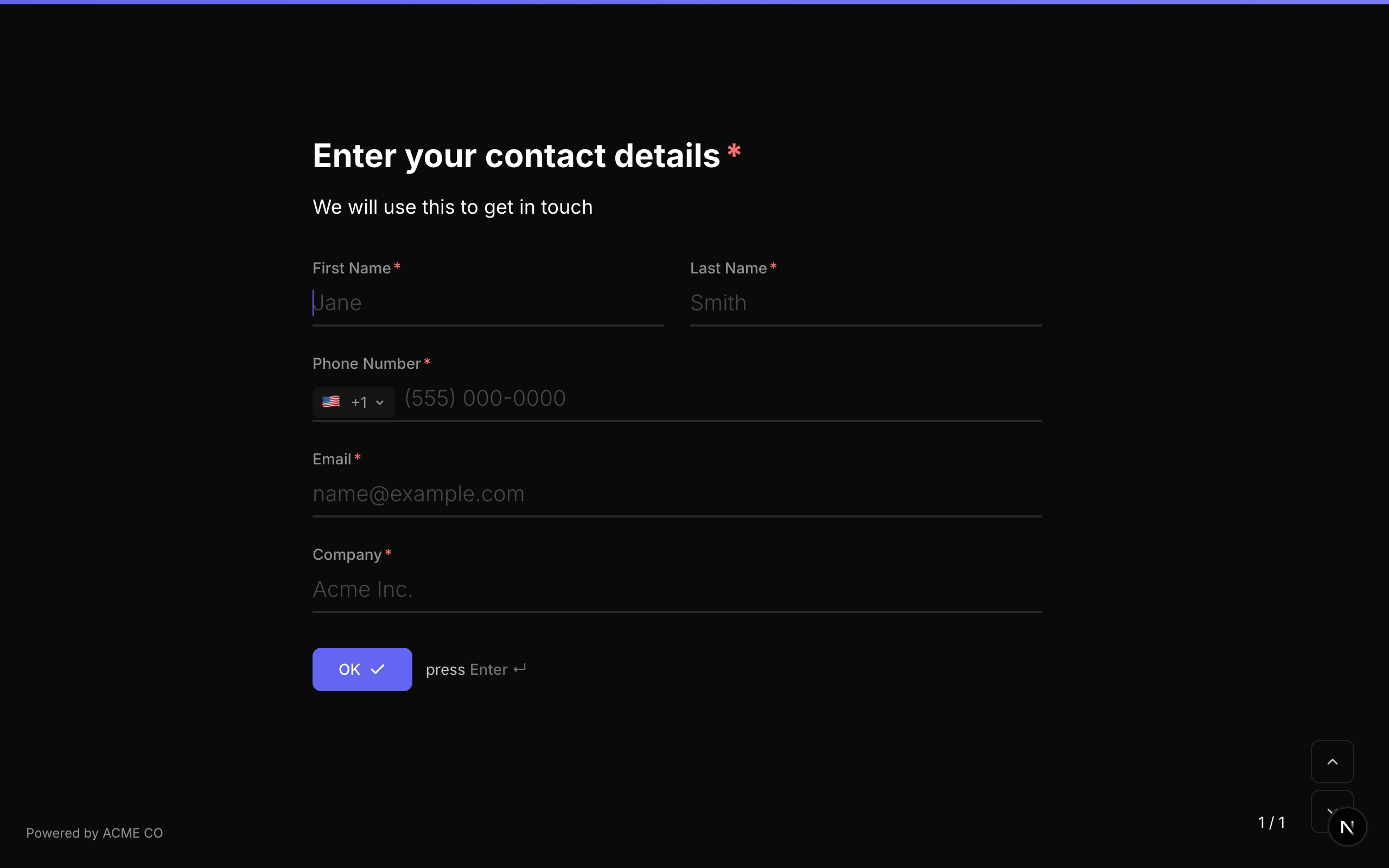
A composite field that collects a respondent's name, email address, and phone number in a single question. This is a convenience type that combines multiple text inputs into one form step.
Type identifier: contact_info
Properties
| Property | Type | Description | Default |
|---|---|---|---|
defaultCountryCode | string | Default country code for the phone number sub-field. | None |
fields | FormQuestion[] | Optional custom sub-field definitions. If provided, these override the default name/email/phone fields. | Default sub-fields |
Sub-Fields
The Contact Info question includes three sub-fields by default:
- Name -- A short text field.
- Email -- An email field with format validation.
- Phone -- A phone number field with country code support.
The question number prefix is hidden for Contact Info questions, as they display multiple input fields together.
Answer Format
The answer is stored as an object (Record<string, string>) with keys for each sub-field:
{
  "name": "John Smith",
  "email": "john@example.com",
  "phone": "+1 555-0123"
}
Address
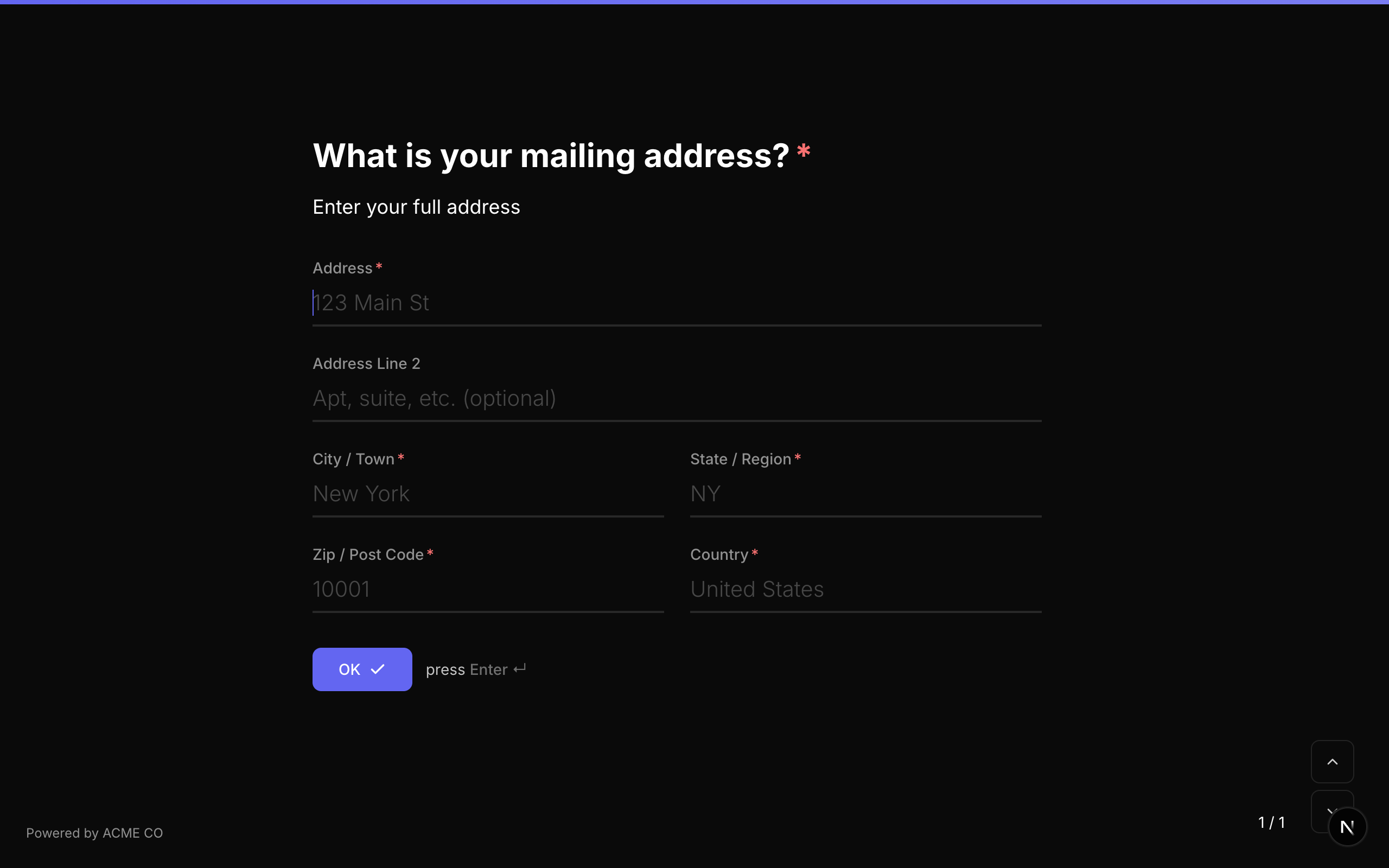
A full mailing address field with optional Google Places autocomplete.
Type identifier: address
Properties
| Property | Type | Description | Default |
|---|---|---|---|
enableAddressAutocomplete | boolean | Enable Google Places autocomplete to help respondents fill in their address quickly. | Disabled |
fields | FormQuestion[] | Optional custom sub-field definitions. If provided, these override the default address fields. | Default sub-fields |
Sub-Fields
The Address question includes sub-fields for:
- Street Address -- The street address line.
- City -- The city or locality.
- State/Province -- The state, province, or region.
- Postal/ZIP Code -- The postal or ZIP code.
- Country -- The country.
Address Autocomplete
When enableAddressAutocomplete is enabled, respondents can start typing their address and see suggestions from Google Places. Selecting a suggestion auto-fills all address sub-fields.
Address autocomplete requires a Google Maps API key to be configured in your NueForm account settings. The question number prefix is hidden for Address questions.
Answer Format
The answer is stored as an object (Record<string, string>) with keys for each sub-field:
{
  "street": "123 Main Street",
  "city": "San Francisco",
  "state": "CA",
  "zip": "94105",
  "country": "United States"
}
Media Attachments
All text input question types support media attachments. You can add an image, video, icon, or QR code to any text question. See the Creating Forms guide for details on media options and layout configurations.