
Overview
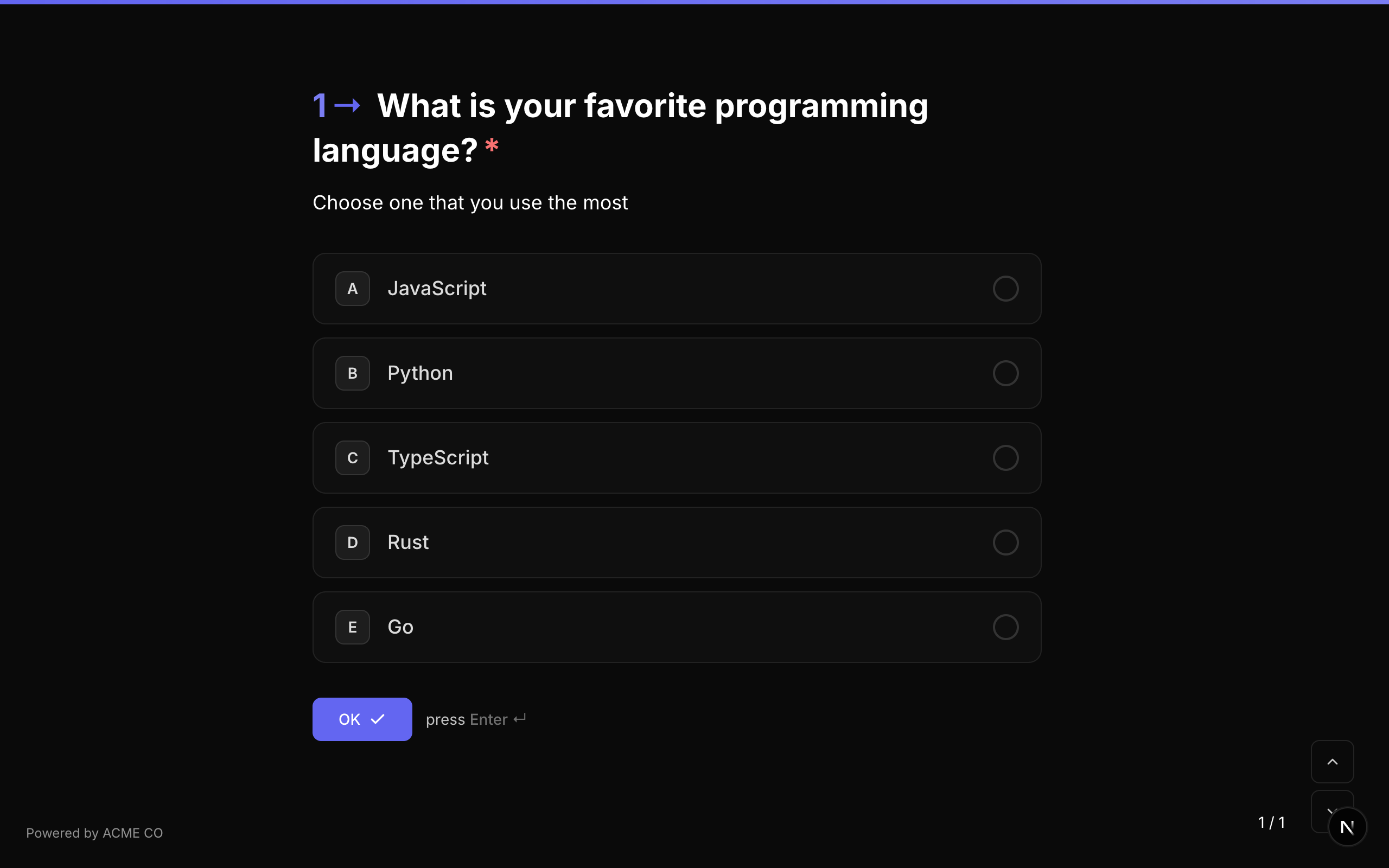
NueForm provides over 35 question types organized into seven categories. Each type is optimized for collecting a specific kind of data, from simple text input to complex media capture and multi-question layouts.
Categories
Text Input
Questions that collect text-based data from respondents.
| Type | Description |
|---|---|
| Short Text | A single-line text input for brief responses. |
| Long Text | A multi-line text area for longer responses. |
| An email address field with format validation. | |
| Phone Number | A phone number field with country code support. |
| Number | A numeric input with optional min/max validation. |
| Website/URL | A URL field for collecting web addresses. |
| Contact Info | A composite field collecting name, email, and phone in one question. |
| Address | A full mailing address field with optional autocomplete. |
Choice
Questions that present a set of options for the respondent to choose from.
| Type | Description |
|---|---|
| Multiple Choice | Choose one or more options from a list with optional "Other" input. |
| Dropdown | Select from a dropdown menu, supporting single or multi-select. |
| Picture Choice | Choose from image-based options. |
| Yes / No | A simple binary yes or no question. |
| Ranking | Drag items to rank them in preferred order. |
| Matrix | Rate multiple items across multiple columns (row x column grid). |
Rating
Questions that collect quantitative feedback on a scale.
| Type | Description |
|---|---|
| Rating | Rate using shapes (stars, hearts, thumbs, crowns, lightning bolts) on a 1-N scale. |
| Opinion Scale | Rate on a numeric scale with customizable range and labels. |
| Net Promoter Score (NPS) | The standard 0-10 NPS scale. |
Date
| Type | Description |
|---|---|
| Date | A date picker with configurable format. |
Media
Questions that capture files, drawings, recordings, and signatures.
| Type | Description |
|---|---|
| File Upload | Upload any file with configurable type and size limits. |
| Drawing | A freehand drawing canvas for sketches and diagrams. |
| Video/Audio Recording | Record video or audio responses directly in the browser. |
| Signature | Capture a handwritten signature on a digital pad. |
Layout
Questions that structure the form flow without requiring input.
| Type | Description |
|---|---|
| Statement | A text statement that requires no answer. Used for instructions or transitions. |
| Welcome Screen | An introductory screen shown before the first question. |
| End Screen | A closing screen shown after submission. Supports conditional display in quiz modes. |
| Summary | Displays a review of all answers before final submission. |
| Save Answers | Offers respondents the option to save their answers locally for future forms. |
| Question Group | Groups multiple sub-questions into a step-through sequence within a single form step. |
| Multi-Question Page | Displays multiple questions on a single screen simultaneously. |
| Markdown | Rich content with inline form fields using Markdown syntax. |
Advanced
Questions with specialized functionality.
| Type | Description |
|---|---|
| Legal / Terms | Accept terms and conditions with a required checkbox. |
| Payment | Collect payments with configurable currency and amount. |
| Date | A date picker with configurable date format. |
| Ranking | Rank items by dragging them into preferred order. |
| Matrix | Rate multiple items across columns in a grid layout. |
Common Properties
All question types share these common properties:
| Property | Type | Description |
|---|---|---|
title | string | The question text. Supports rich text and {variable} substitution. |
description | string | Optional helper text. Supports rich text and {variable} substitution. |
required | boolean | Whether the question must be answered. |
hidden | boolean | Whether the question is hidden from respondents. |
customClassName | string | CSS class applied to the question container. |
properties.hideQuestionNumber | boolean | Hides the question number prefix. |
properties.transition | string | Animation transition for this question. |
properties.answerVariable | string | Store the answer as a named variable for {var} substitution. |
properties.media | object | Single media attachment (image, video, icon, or QR code). |
properties.mediaItems | array | Multiple media items for a slideshow. |
properties.slideshowSettings | object | Slideshow configuration when multiple media items are present. |
logicJumps | array | Logic jumps evaluated after this question is answered. |
validations | object | Validation rules (min/max length, pattern, custom message). |
Validation
All question types support a validations object with the following optional properties:
| Property | Type | Description |
|---|---|---|
minLength | number | Minimum character length for text answers. |
maxLength | number | Maximum character length for text answers. |
pattern | string | A regex pattern the answer must match. |
min | number | Minimum numeric value. |
max | number | Maximum numeric value. |
customMessage | string | Custom error message shown when validation fails. |
Quiz Mode Scoring
In quiz modes (Knowledge Quiz, Lead Qualification, Match Quiz), certain question types support scoring. The scorable question types are:
- Multiple Choice
- Dropdown
- Picture Choice
- Yes / No
- Legal
- Opinion Scale
- Rating
See the Creating Forms guide for details on how scoring works in each mode.